Remove a follower on Instagram: no notification, bulk clears little
The Help Centre promises silence for removal and for blocking, describes the button for private accounts, and in bulk clears only the potential spam list.
- Social media & AI
- Mechanics explained
- ≈ 7 min
The big fear here sounds like this: remove a follower and they get a notification. The Help Centre promises the opposite, and twice over — both removing and blocking happen silently. Yet where you expect freedom there is a limit: manual removal is described for a private account, and clearing the list in one go works only for accounts the platform flagged itself.
What a removed follower learns and what they do not. How removing differs from blocking in the wording of the Help Centre. Who gets the removal button. How the potential spam list works and why it is the only thing cleared in bulk. Seven minutes of reading.
There is no notification
The one thing the Help Centre states outright.
Let us start with the question that holds your hand over the button.
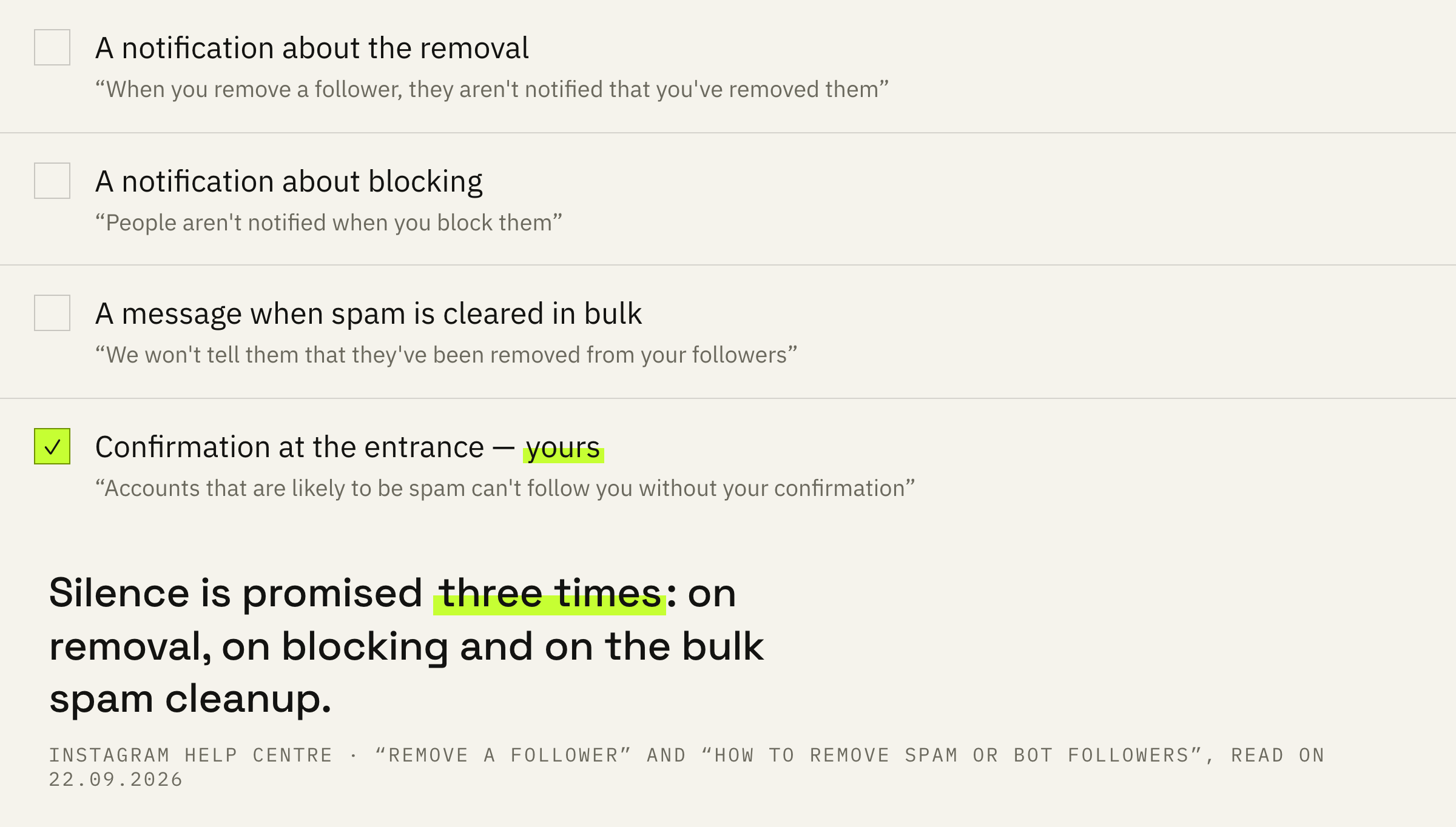
When you remove a follower, they aren't notified that you've removed them.
Instagram Help Centre · “Remove a follower on Instagram”
The line is short and carries no caveats. The person gets neither a system message nor a mark in their notifications.
The next line says the same thing about a different action.
You can also block someone to get them to stop following you. People aren't notified when you block them.
Instagram Help Centre · the same page
So the platform promises silence in both cases. How removing differs from blocking in its consequences, these lines do not explain: the promise of silence is common to both, and from there the Help Centre sends the reader to a separate page about blocking.
The practical meaning is simple. Whether you clean the list or leave it alone, you decide for your own reasons: the notification everyone worries about does not exist in this mechanic.
Who gets the button
The condition that stands in the very first line of the page.
Next comes the place where the document parts ways with expectation.
If your account is set to private, you can remove people from your followers list on Instagram.
Instagram Help Centre · “Remove a follower on Instagram”
The page describes exactly this case and says nothing about a public account: neither that the button is there nor that it is missing. That is the honest boundary of the document.
The working conclusion is simple. If the account is public and followers have to be removed one by one, you will have to rely on what you see on screen: the Help Centre makes no promise for that case.
Check whether the account is private before planning a manual cleanup. For a private account the platform describes the whole path: profile, followers list, remove next to the name. For a public one the Help Centre stays silent, and any advice from blogs remains a guess.
The list collected for you
The filter works at the entrance, before the follow.
The second Help Centre page is about bots, and it opens with a statement about the entrance: the cleanup comes later.
Accounts that are likely to be spam can't follow you without your confirmation.
Instagram Help Centre · “How to remove spam or bot followers on Instagram”
So the platform holds back part of the inflow itself and puts it into a separate “Potential spam” list on the followers tab. There the request is either confirmed or denied.
For anyone running giveaways and contests this matters directly: a spike in follows brings more than living people, and part of that flow settles into a separate list you have to open by hand.
The filter itself is turned on and off in settings: Settings and privacy, then Followers, then the “Filter spam followers” toggle.
Why bulk removal misses most
The bulk button exists, but its reach is narrow.
The “remove all” button is in the Help Centre, and here is its exact scope.
You can remove all accounts that have been filtered as potential spam. We won't tell them that they've been removed from your followers.
Instagram Help Centre · the page about spam accounts
Bulk removal covers those the platform classed as spam itself. An account the filter let through does not land in that batch, and it has to be removed separately.
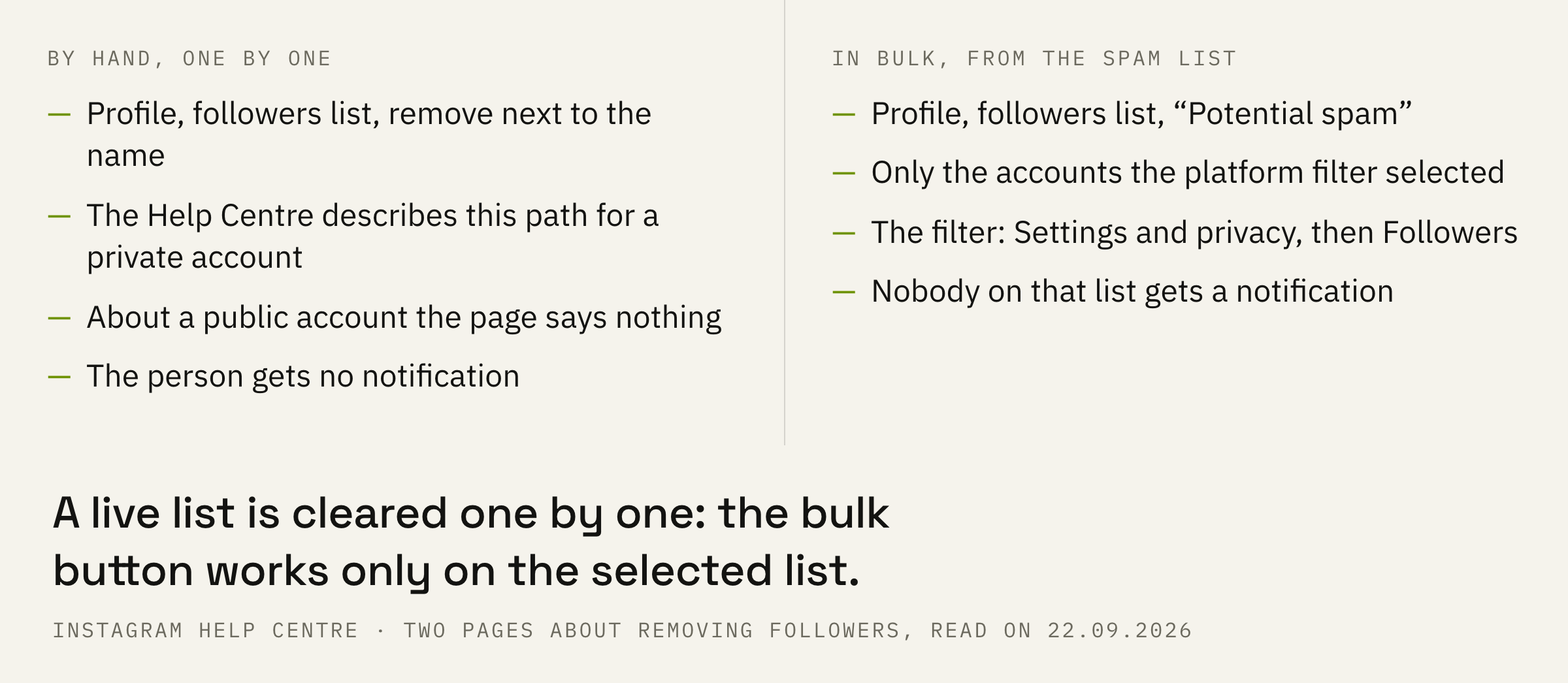
This is why a cleanup rarely looks like one button. A live list is cleared one by one, while bulk removal takes only what has already been flagged.
We will look at what your follower base is made of and what to do with it: clean it, change the format or rebuild the inflow.
Not a single number on two pages
The most honest place in this breakdown.
Both Help Centre pages have been read in full, and there is not a single number in them.
There is no cap on removals per day. There is no period after which a removed person can follow again. There are no signs by which an account lands in the spam list: the platform calls it potential and leaves the decision to you.
Where there are no numbers, they should not be invented. Checklists with “safe cleanup limits” rest on air, while account restrictions are described separately by the platform and in different words.
If a cleanup tip comes with a specific number, ask for a link to the Help Centre page. On the two pages the platform keeps about removing followers there are no numbers at all.
Order of work and three mistakes
What to do so that cleanup does not turn into a ritual.
First: turn on the spam filter so the inflow is held at the entrance.
Second: open the potential spam list and go through it by hand. It will not clear itself.
Third: do not expect a cleanup to raise your reach. Insights will show you reach and followers, while the Help Centre promises no link between removing bots and reach.
Fourth: if the account is public, solve the question with what you can see on screen, and do not look in the Help Centre for permission that is not there.