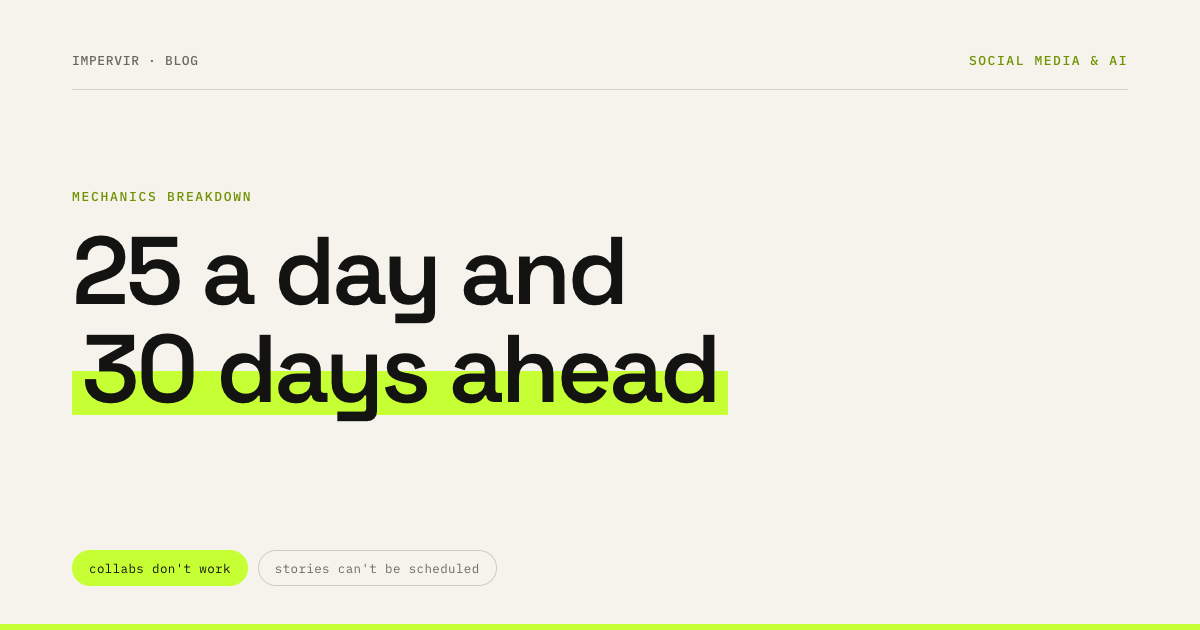
Scheduled posting on Instagram: 25 posts and 30 days
The limits are named outright, and so is the list of what doesn't work with scheduled content: product tags, sponsored posts and collabs.
- Social media & AI
- Mechanics explained
- ≈ 8 min
You can schedule posts on Instagram from the app itself, without third-party services. The Help Centre names both the limits and the list of features that aren't compatible with scheduled content — and the second list holds things people find out about after the post has already gone out.
The exact limits: how many posts a day and how far ahead. Four features that don't work with scheduling, collabs among them. Where the management section lives and what you can change in it. Eight minutes of reading.
25 posts and 30 days
Both numbers are named outright.
The first condition is a public profile. The Help Centre puts it as a requirement.
If you have a public Instagram account, you can plan ahead by scheduling reels, photos and carousel posts from the Instagram app.
Instagram Help Centre · “How to create and manage scheduled posts and Reels on Instagram”
Note the list of formats: reels, photos and carousels. Stories are not in it.
Then come the two numbers worth opening this page for.
You can schedule up to 25 posts a day, up to 30 days in advance.
Instagram Help Centre · the same page
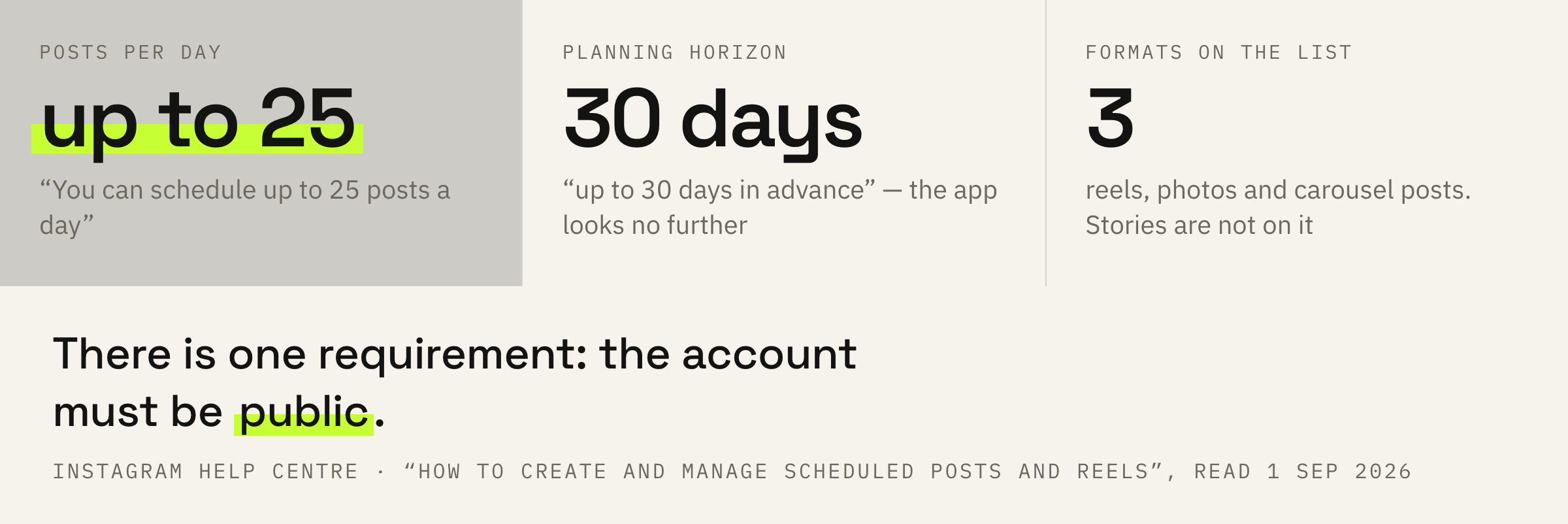
Twenty-five a day is a ceiling few ever reach. Thirty days ahead is a limit you feel at once: a quarterly content plan will not fit into the app, and it has to be entered in portions.
And a third line that is easy to miss.
Your scheduled content will retain the same privacy and audience settings that were configured at the time of scheduling.
Instagram Help Centre · the same page
So the settings are frozen at the moment of scheduling. If in two weeks you switch the account to private or change the audience, the post waiting in the queue keeps its old parameters.
What doesn't work with scheduling
Four features named in a note of their own.
The most useful line on the page is the note about compatibility.
Features like product tagging, collaborative posts, sponsored posts and fundraisers aren't compatible with scheduled content at this time.
Instagram Help Centre · the same page
The second item on that list is worth reading twice if you plan collaborations. A collab is the only way into somebody else's followers' feed, and it doesn't combine with a scheduled post. A joint post has to be published by hand.
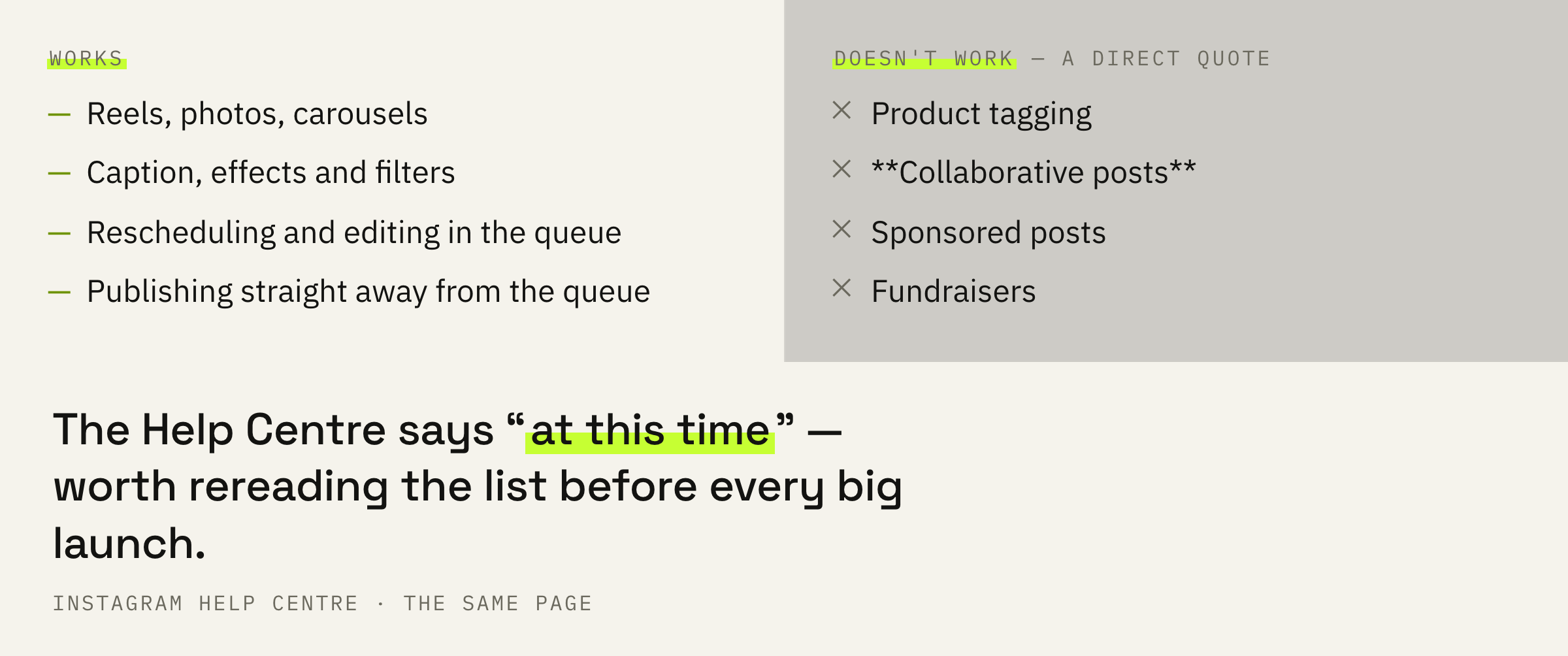
Product tags drop out for the same reason. If you run a shop, a storefront cannot be assembled inside a scheduled post, and that changes the whole order of work.
The Help Centre says “at this time”. Which means the list changes, and before a big launch it is worth rereading on that same page; somebody's six-month-old retelling is no help here.
The “Scheduled content” section
Four actions over the queue.
Scheduled material lives in a section of its own, and not everyone finds it on the first try.
Profile → “Menu” in the top right → the “Insights and tools” section → “Scheduled content” → “Options” next to the post you need.
Four actions are available over each item in the queue: delete, edit the post, reschedule it and share it right away. The last one is how you release material ahead of time without rebuilding it.
Scheduling is switched on at the very end of composing a post: “More options”, the “Schedule this post” or “Schedule this reel” toggle, then the date and time.
The section lives next to insights, away from the post settings. That is why it is so rarely found: people look where they created the post.
The myth about reduced reach
Checked by the absence of a line in the documents.
The main objection to scheduling goes like this: the platform supposedly shows scheduled posts worse than the ones published by hand.
There is not a line about it in the Help Centre. Nor in the ranking system cards: none of the six holds a signal that would tell a scheduled post from an ordinary one.
While we are here, the neighbouring myth. The hour of the day is absent from the cards entirely, so the “perfect time to post”, which is usually the reason people set up scheduling, does not follow from the documents. Scheduling saves your time, and that is exactly how the Help Centre describes it.
Regularity. A post that comes out once every three weeks lands in readers' furthest bucket of freshness, and that is the one quantity an author affects through frequency. Scheduling is a tool against gaps in the calendar.
If 30 days of queue scares more than it pleases, we'll put together a publishing plan around your formats and your insights.
How to use this
Four steps for a 30-day ceiling.
First: plan with a two-week horizon. The 30-day ceiling means you cannot look further, and half the allowance leaves room to react to events.
Second: mark collab and product posts separately in the plan. They will have to go out by hand, and it is better to know that in advance than on the day.
Third: check the queue once a week. The section has “Reschedule”, and that is cheaper than deleting and rebuilding. Insights for the same days will suggest which format to move up.
Fourth: keep the privacy settings in mind. They are fixed at the moment of scheduling, and switching account type afterwards does not affect the queue.
After a month compare two things: how many posts went out as planned and how many times you rescheduled. If reschedules run over a third, the plan is packed too tightly — and the tool isn't at fault.
What not to do
Three mistakes, two of them about compatibility.
The fourth mistake is subtler: scheduling from a private account. The feature is described for public ones, and switching the profile type after scheduling does not rewrite the queue.